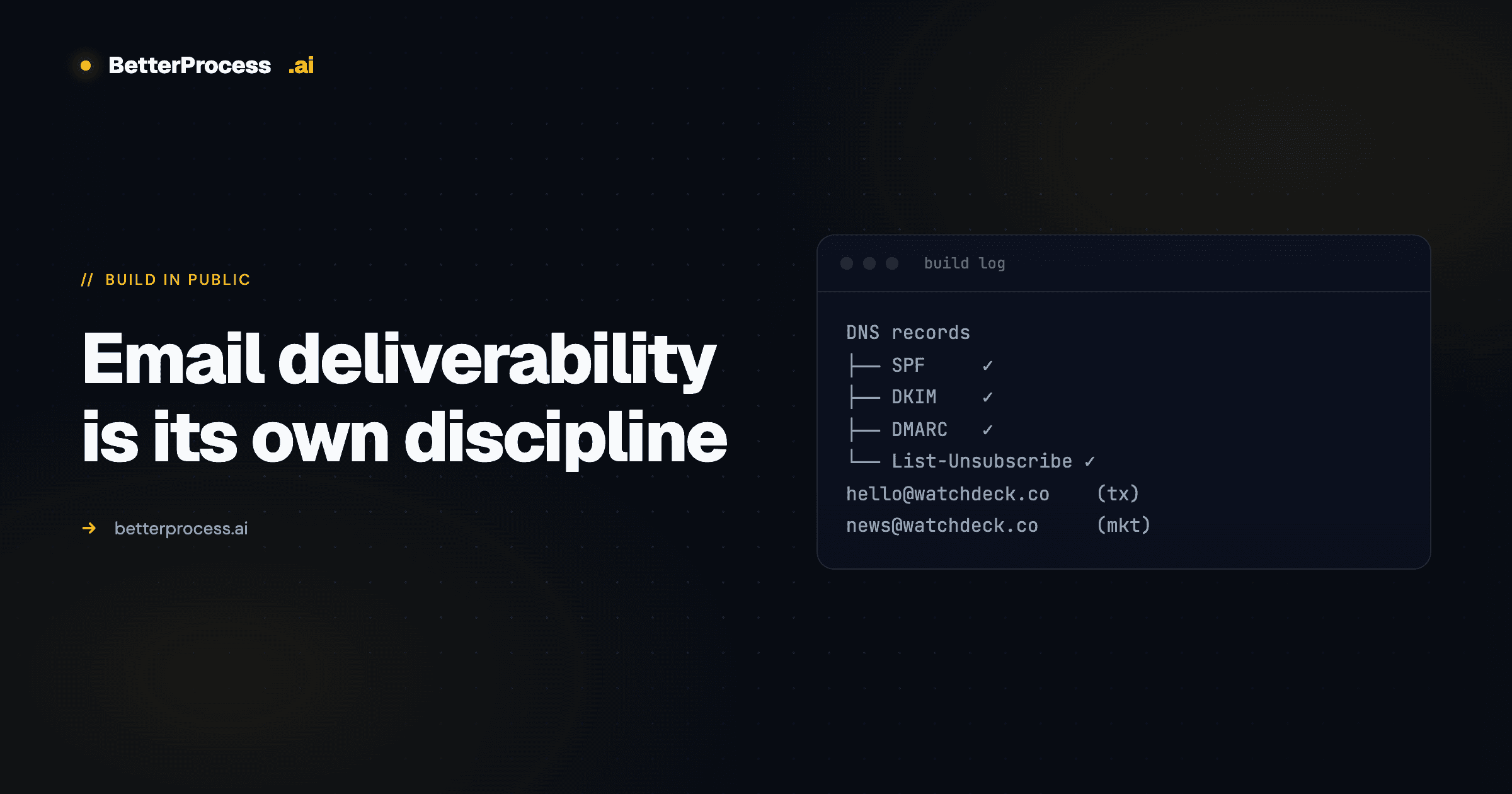
Email deliverability is its own discipline
SPF, DKIM, DMARC, List-Unsubscribe, return-path alignment. Why your transactional email isn't landing and the sequence that actually fixes it.
I thought email would take an hour. It took most of the day.
The problem wasn't sending. Resend makes that trivial — one API call and the message goes. The problem was deliverability. Getting emails to actually land in inboxes, not spam folders, requires a surprising amount of configuration. If you're building anything that sends transactional mail, this is the part nobody tells you about, and it's the part that decides whether your onboarding sequence works or doesn't.
This is Day 2 of the WatchDeck build log. Day 1 is here.
The Stack You Need
Deliverability is a set of independent signals that either all line up or the message doesn't land. In rough order of importance:
- SPF, DKIM, DMARC — DNS records that prove you're authorized to send on behalf of your domain.
- Plain-text alternatives — every HTML email needs a plain-text version. Mailers that only send HTML get flagged faster than you'd think.
List-Unsubscribeheaders — required by Gmail and Yahoo's 2024 bulk-sender rules. Both the mailto form and the one-click form.- From-address consistency — your from address has to match a verified sending domain in your ESP, and the domain in the header has to match the domain doing the DKIM signing.
- Return-path alignment — the envelope sender has to be on the same domain as (or a subdomain of) the from address. Misalignment here is a silent SPF failure.
- Engagement — if your first batch of recipients don't open anything, every subsequent send gets penalized.
Each of these is individually a five-minute change. Figuring out the right sequence took iteration.
What Actually Broke
I rolled back the sender address twice.
First attempt: used a subdomain — send.watchdeck.co. The SPF and DKIM records were set up on the subdomain, but the email template had the root domain hardcoded in the unsubscribe link footer. So the List-Unsubscribe URL was pointing at a route that didn't exist on the subdomain. Unsubscribes broke. Gmail started throttling. Had to rip it out.
Second attempt: overcorrected back to the root domain — hello@watchdeck.co. Matched the verified DNS record. Clean. But now I had a different problem: everything had the same sender, transactional mail mixed with marketing mail in the same reputation bucket. If the marketing sends tanked deliverability, the verification emails would tank with them.
Final shape: split into two subdomains. hello@watchdeck.co for transactional (receipts, verification, password resets). news@watchdeck.co for anything promotional. Each with its own DKIM signing, SPF include, and warmed-up reputation.
The Rule I Wish I'd Followed
Set up your DNS records before you write a single line of code. SPF, DKIM, DMARC, ideally BIMI if you can justify a logo verification. Coming back to fix this after the product is live is painful — you've already built dependencies on a specific from-address, your list has already been primed to a specific sender reputation, and any change invalidates that reputation.
The right sequence:
- Pick your sender domains (transactional + marketing, separate).
- Set up DKIM, SPF, DMARC on each, before touching the ESP.
- Validate with a tool like mail-tester.com — aim for 10/10 on a trivial message.
- Then wire it into your app.
PostHog Went In Too
Separately — analytics went in today. Full event tracking from the client, a provider wrapping the app, and sourcemap uploads wired into the CI pipeline. PostHog's Next.js SDK is genuinely good. The tricky part was making useSearchParams play nicely in a Suspense boundary on the auth pages. Next.js is strict about that and the error message is unhelpful. Wrapped the component, moved on.
The Contextual Tour System
The real feature of the afternoon was the contextual tour. New users get a step-by-step walkthrough of the app on first login — tooltips anchored to actual UI elements, progress tracked in localStorage keyed by user ID, so tours don't bleed between accounts on the same machine.
The trick is that the progress has to persist per-user but also reset cleanly when an admin triggers a "re-run tour" from the dashboard. That meant resetting both the localStorage keys and a showOnboarding flag on the session. Getting those two things in sync took a few iterations.
This is the kind of thing that turns confused visitors into retained users. Every serious product needs it. Most don't bother. The ones that do win the retention curve quietly.
Big Win
The contextual tour system is live. First-time users get guided through every key feature. Deliverability is clean on both subdomains. Onboarding rate should move measurably in the first week.
Previous entry: Day 1 — Zero to Deployed. This build log is one of the reasons I can ship solo — the operating system behind it is documented in Claude Code + Obsidian as an unfair advantage for solo founders.
Want to talk through something you’re working on?
I take on a small number of consulting and build engagements each quarter. If something in this piece maps to a problem you’re trying to solve, reach out.